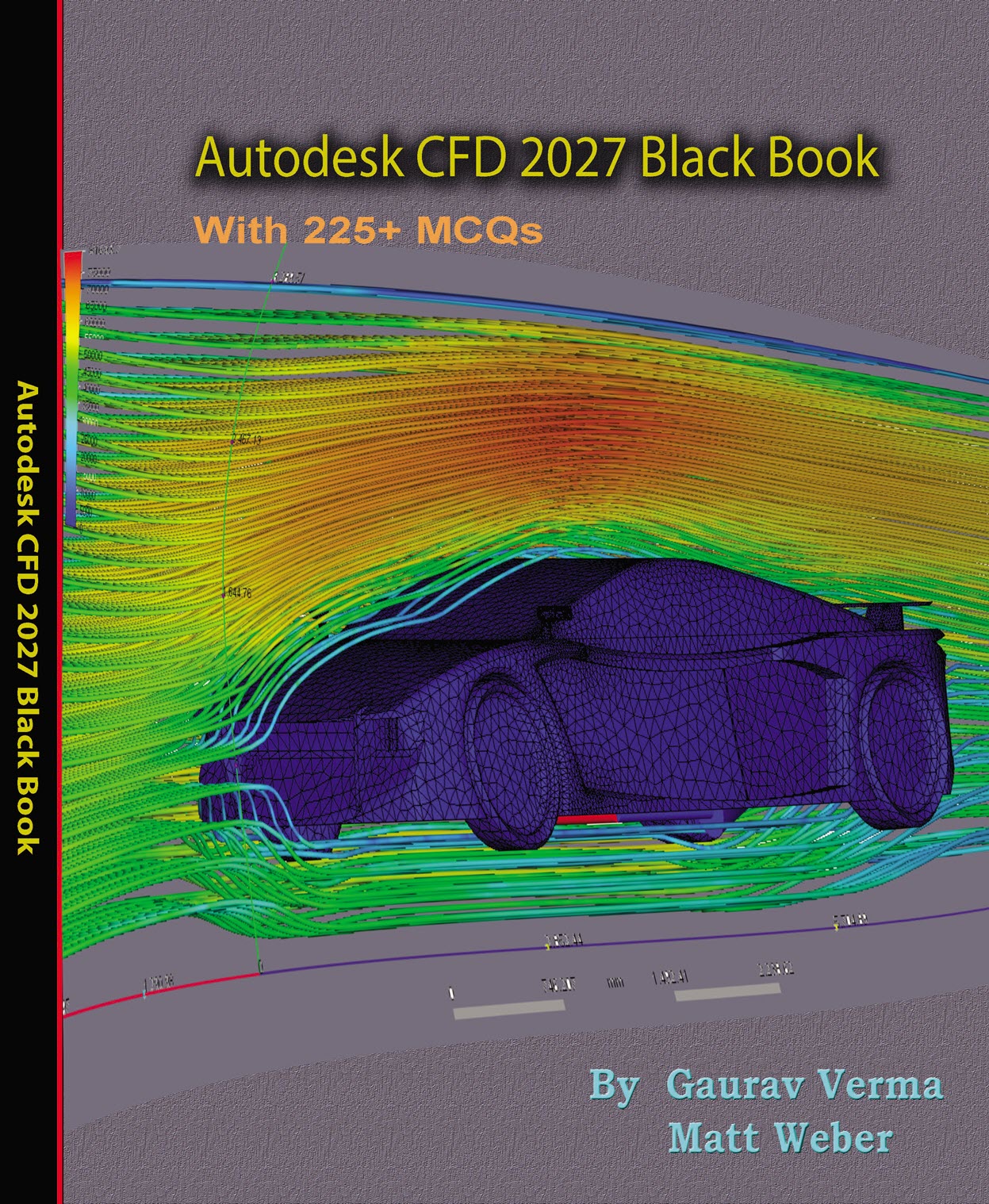
Autodesk CFD 2027 Black Book,
6th edition of our series on Autodesk CFD, is the ultimate beginner’s guide for mastering Autodesk CFD simulation, fluid flow analysis, and thermal simulation. Designed for engineers, students, and industry professionals, this comprehensive guide walks you through fluid dynamics fundamentals, computational fluid dynamics (CFD) theory, and practical Autodesk CFD applications.
Whether you’re learning about fluid properties, Bernoulli’s equation, or setting up your first fluid flow model in Autodesk CFD, this book ensures a deep understanding of every topic. With over 520 step-by-step illustrations, real-world tutorials, and detailed self-assessments, it empowers you to confidently create, solve, and analyse CFD simulations for thermal management, electronic cooling, and complex flow problems.
Key Features:
- Covers Autodesk CFD 2027 download, installation, and setup
- Hands-on training for fluid flow, thermal fluid flow, and electronic cooling modules
- Clear explanations of mesh generation, boundary conditions, and solver settings
- Practical tutorials on decision center, post-processing, and comparison of results
- Ideal companion for Fluid Dynamics courses requiring Autodesk CFD applications
- Free resources and faculty support for enhanced learning
Written by renowned CAD/CAM/CAE expert Gaurav Verma, this book draws from over a decade of industry and training experience. Whether you are pursuing a career in mechanical design, thermal simulation engineering, or product development, this book equips you with the real-world skills necessary to succeed with Autodesk CFD software.
Perfect for:
- CFD Beginners
- Mechanical Engineers
- Simulation Analysts
- Students in Fluid Mechanics and Heat Transfer
- Faculty and Trainers in CAD/CAE fields
Some of the salient features of this book are:
In-Depth explanation of concepts
Every new topic of this book starts with the explanation of the basic concepts. In this way, the user becomes capable of relating the things with real world.
Topics Covered
Every chapter starts with a list of topics being covered in that chapter. In this way, the user can easy find the topic of his/her interest easily.
Instruction through illustration
The instructions to perform any action are provided by maximum number of illustrations so that the user can perform the actions discussed in the book easily and effectively. There are about 700 illustrations that make the learning process effective.
Tutorial point of view
The book explains the concepts through the tutorial to make the understanding of users firm and long lasting. Practical of the book are based on real world projects.
For Faculty
If you are a faculty member, then you can ask for video tutorials on any of the topic, exercise, tutorial, or concept. As faculty, you can register on our website to get electronic desk copies of our latest books, self-assessment, and solution of practical. Faculty resources are available in the Faculty Member page of our website (cadcamcaeworks) once you login. Note that faculty registration approval is manual and it may take two days for approval before you can access the faculty website.